Spotting a kid-safe YouTube channel comes down to four checks: who makes the videos, what the content actually shows, how the comments and ads behave, and whether the settings on the app match your child's age. A channel that passes all four is usually a safe bet. One that fails even one deserves a closer look before your kids watch alone.
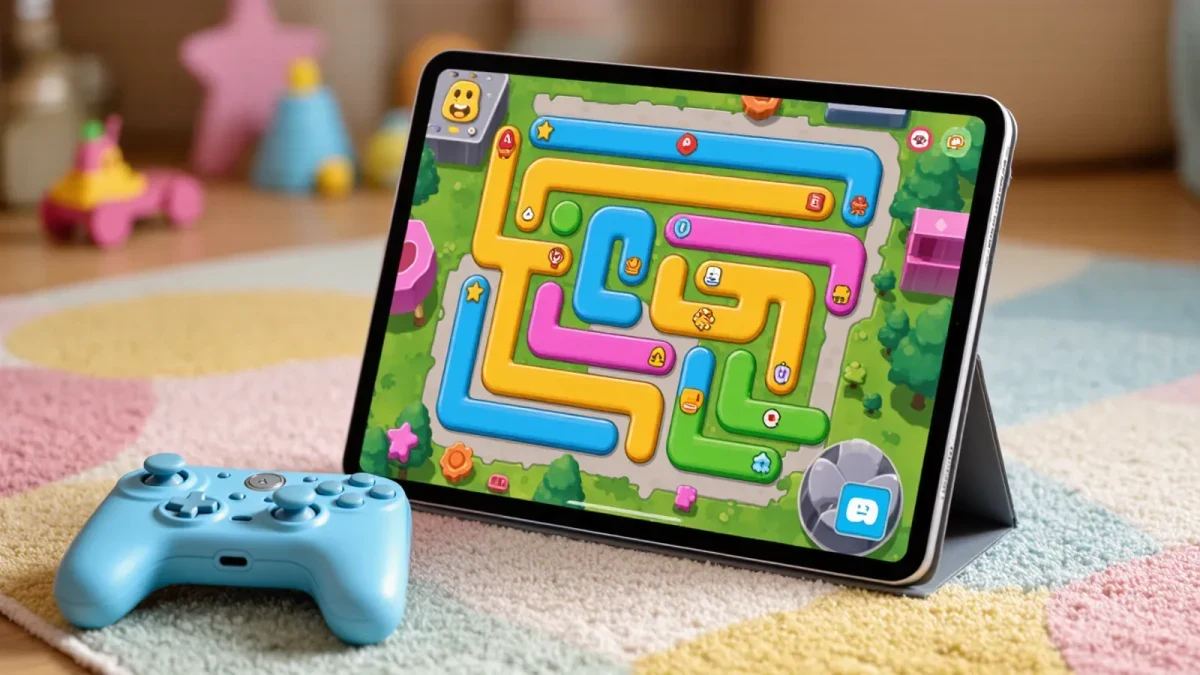
This checklist walks through each check in plain language. No app can do this job for you, because no rating board reviews YouTube the way it reviews movies and games. You are the rating system here, and ten minutes of screening goes a long way. Families comparing other kid-focused platforms can also read our coverage of Netflix Launches Playground, a Gaming App Built for Kids to see how a subscription service handles the same problem.
Who is behind the channel, and does it say so?
Start with the channel page, not the videos. A trustworthy kids' channel tells you who produces it: a named studio, an educational company, or a public figure with a real track record. Look for an about section, a website, and a history of uploads that stretches back months or years.
Be wary of channels that hide behind vague names, copy the style of famous kids' shows, or shuffle their branding every few weeks. Impostor channels borrow familiar characters and bright thumbnails to look official. If you cannot answer "who made this?" in one search, treat the channel as unverified.
Check the upload pattern too. Established channels post on a steady schedule. Sudden bursts of dozens of videos in a short window can signal factory-style content production, where quantity matters more than quality.
What does the content actually show?
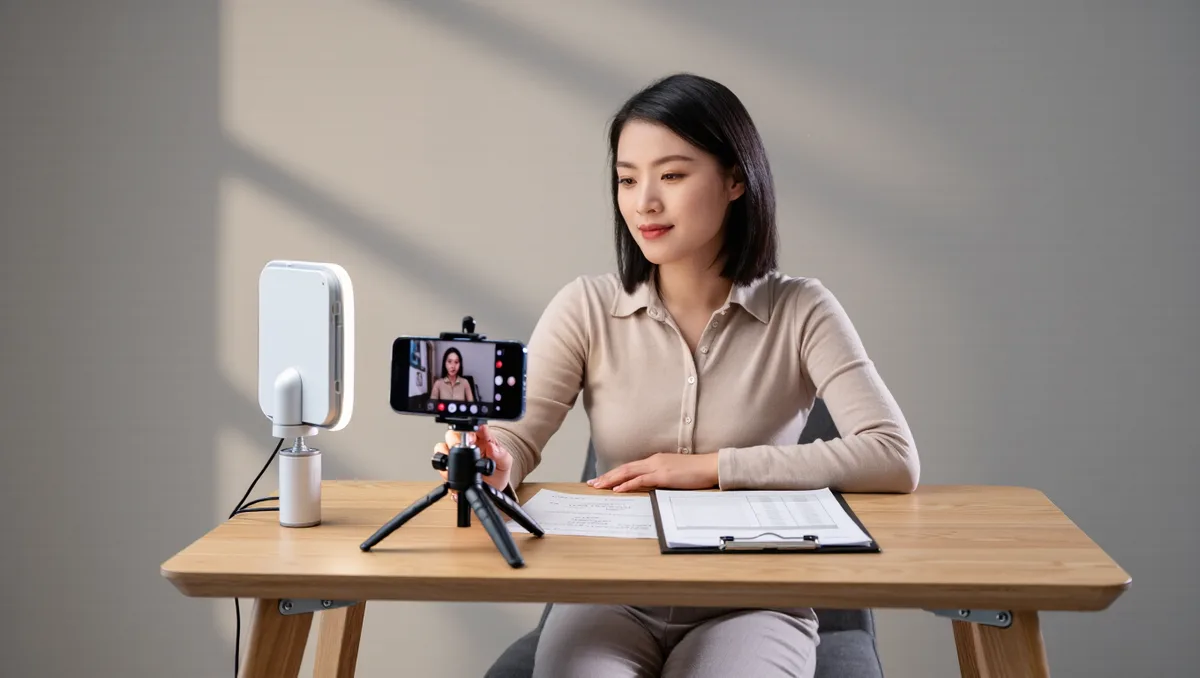
Watch at least a few minutes of a video yourself, ideally one from the middle of the channel's catalog, not the polished trailer. You are looking for three things: pacing, themes, and surprises.
Pacing matters because some content is engineered to hold attention with rapid cuts, loud noises, and flashing colors rather than to teach or entertain in a healthy way. Themes matter because kids' content should match your child's world: friendship, play, learning, silly humor. Surprises matter most. Search the channel for words like "scary," "prank," or "challenge" and see what turns up. Some channels keep their front page clean while older or deeper videos drift into territory you would not choose.
Our analysis: the five-minute sample test works better than any thumbnail judgment. Watch one recent video and one older one. If both hold up, the channel is consistent. If only the newest does, the catalog is not.
Parent note: what about ads and comments?
Ads and comments are where a technically kid-friendly video can still land your family in awkward territory.
On ads: many kids' videos carry advertising, and ad content is chosen by the platform, not the channel. You cannot fully control which ads appear on regular YouTube. That is one of the strongest arguments for using the YouTube Kids app instead, where the experience is built for children and ad formats are restricted. On comments: open comments on regular YouTube can expose kids to anything strangers type. YouTube Kids turns comments off. If your child watches on the main app, consider disabling comments on the videos they watch or keeping viewing in shared spaces.
Neither of these is a reason to ban the platform. They are reasons to pick the right surface for the right age.
Should we use YouTube Kids or the main app?
For preschool and early elementary ages, the YouTube Kids app is the better default. It offers a curated experience, blocks comments, and lets parents set content level by age band, approve specific videos and channels, and set timers. Set up the profile yourself, choose the youngest appropriate content setting, and review the watch history regularly.
For older kids and tweens, the main app with a supervised account gives access to a wider world, including tutorials and creators your family already trusts. Pair it with a conversation about what to do when something odd appears: close the video, tell a parent, move on. That habit is worth more than any filter.
Whichever surface you choose, playlists are your friend. Build your own playlist of approved videos and channels, and start viewing from there instead of the home feed. Curation beats recommendation algorithms every time, because you picked the lineup, not a system guessing at engagement.
What red flags should send a channel off the list?
- Characters from major franchises used without any official connection, especially in odd or unsettling scenarios.
- Videos built around stunts, scares, or pranks aimed at children.
- Comments sections full of spam links or stranger contact.
- Merchandise pushes embedded in every video, where the show exists mainly to sell.
- A channel that reuploads other creators' videos with no credit.
Any single red flag is worth a conversation. Two or more together, and most families will move on. There are more good channels than any child could watch in a lifetime, so the cost of skipping a doubtful one is zero.
Our take: screen first, then trust the routine
The evidence here is practical, not scientific: channels with named creators, steady upload histories, consistent themes, and closed or restricted comments are the ones that hold up over months of family viewing. What remains unknown is how any given channel will change over time, which is why a quick recheck every few weeks is worth the two minutes.
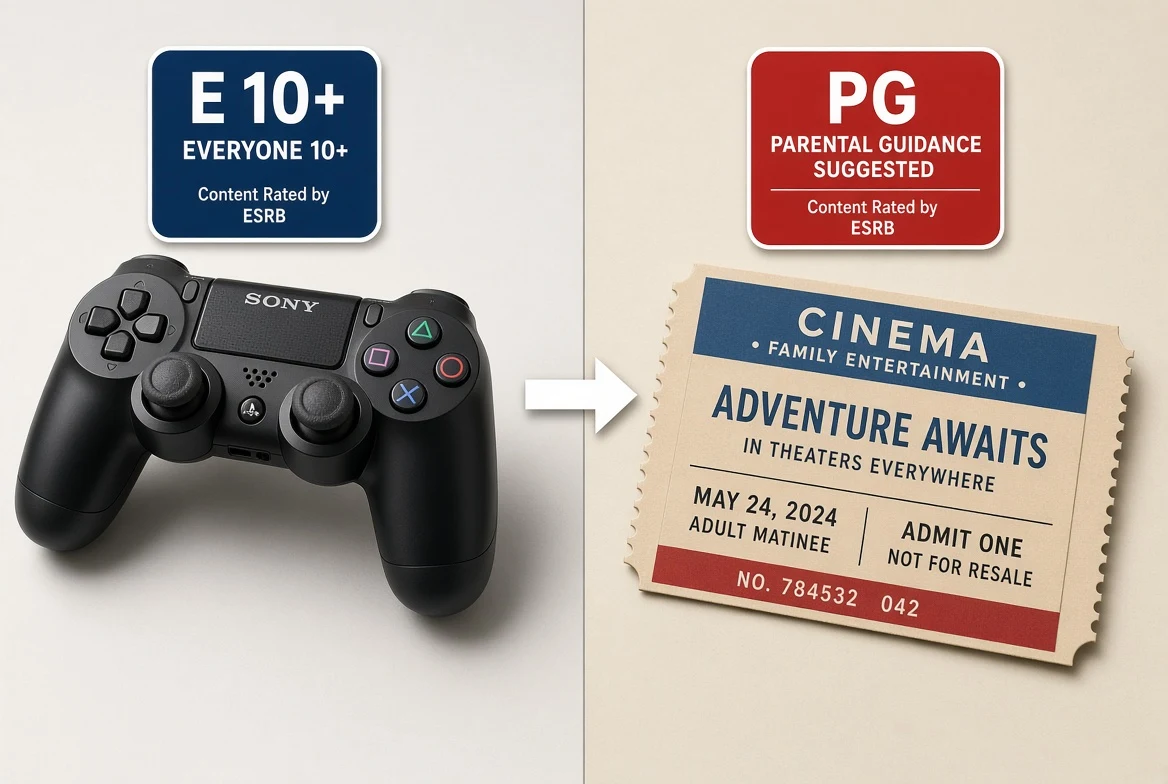
Screening media for kids is a familiar job for families. Games carry ESRB ratings and movies carry MPA ratings, and our explainer on ESRB vs. MPA: How Game and Movie Age Ratings Actually Work covers how those boards decide. YouTube has no equivalent board, so the checklist above is the substitute. Run it once per channel, keep the approved list short and known, and the whole family can get back to the fun part.